
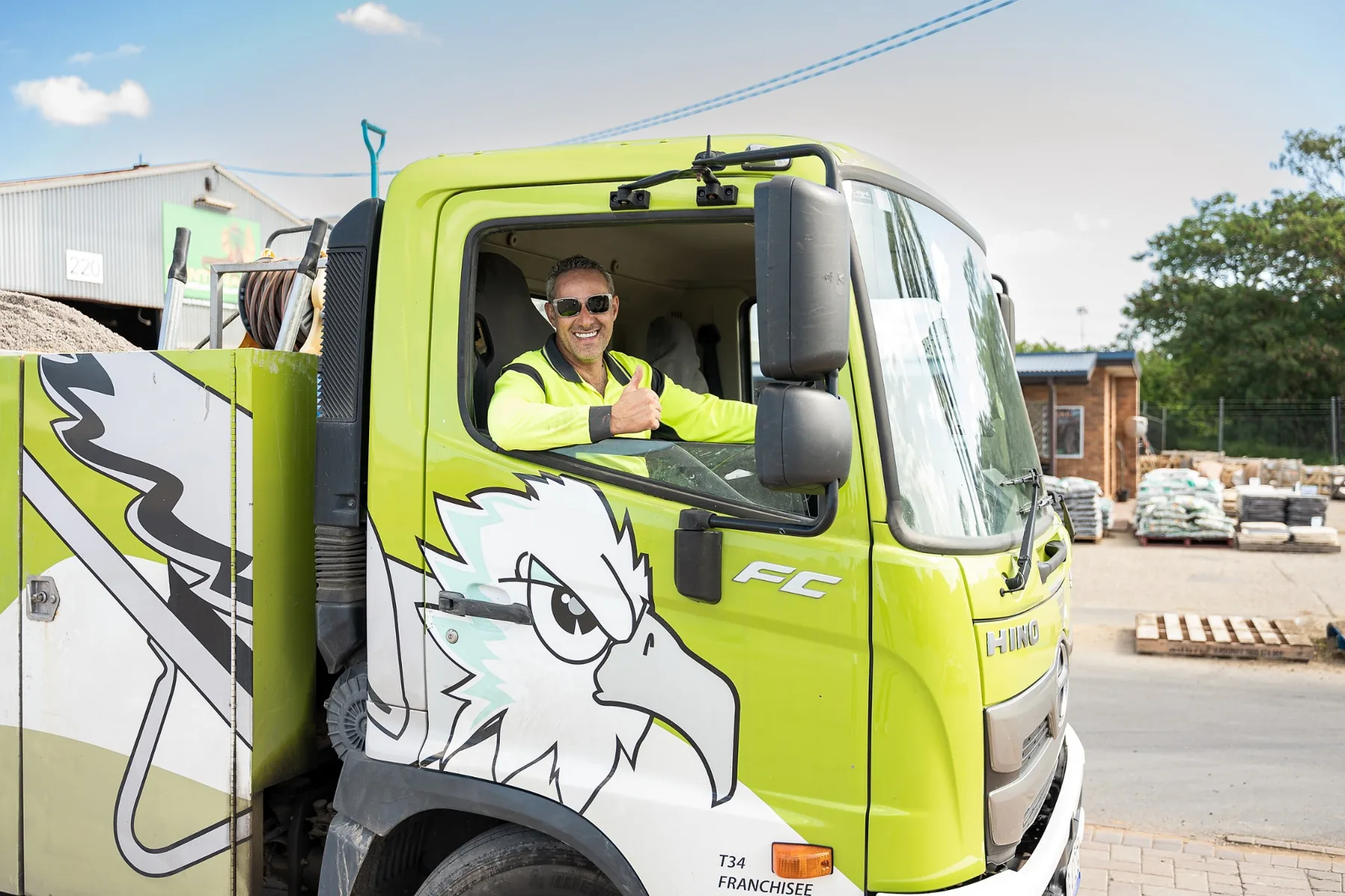
It's Monday morning. Someone needs a photograph for LinkedIn. The marketing team wants three Instagram posts. Your website still shows an employee who left six months ago. And the latest promotional campaign is using the same photograph you've already published everywhere.
Sound familiar?
For many businesses, the problem isn't a lack of ideas. It's a lack of usable visual content.
Photography gets organised when something urgent comes up. A video is filmed separately. Staff portraits are taken another day. Social media becomes a collection of whatever happens to be available.
The result is often inconsistent, expensive in terms of time and difficult to manage.
There's a more practical approach.
A properly planned content day brings photography and video production together in one session, creating a coordinated collection of material that can support your marketing for weeks or even months.
The key word is planned.
Simply spending a day taking photographs won't automatically give you a month of useful content.
You need to know what you're creating and why.
Start with your marketing, not the camera
Before deciding what to photograph, look at what your business actually needs to communicate.
Are you introducing new employees? Promoting a service? Updating your website? Showing customers how your business operates?
Perhaps you're launching a product, preparing a recruitment campaign or trying to make your social media presence more consistent.
These are different objectives, and they require different photographs.
A corporate portrait might work perfectly on LinkedIn but contribute very little to a campaign explaining how your service works.
A beautifully photographed office interior can help establish credibility, but it won't necessarily explain what makes your business different.
That's why I prefer starting with the intended use rather than the shot itself.
After more than 20 years working across photography, design and advertising, I've seen how much difference this makes.
A photograph can be technically excellent and still be almost useless to the person responsible for marketing.
The best commercial images are created with a purpose.
Think in content categories
One of the easiest ways to plan a business content day is to divide your requirements into several categories.
You might need professional portraits of the people behind the business, photographs showing your services in action, workplace details, customer-facing environments and short videos explaining what you do.
Each category serves a different purpose.
People help customers recognise who they're dealing with.
Process shows how your business operates.
Products and services demonstrate what customers can expect.
Environment gives context and helps establish your business identity.
Short-form video introduces movement, personality and information that can be difficult to communicate through a single photograph.
You don't necessarily need all five categories.
A consulting business might prioritise portraits, meetings and workplace photography.
A restaurant may need food, drinks, kitchen activity and atmosphere.
A construction company could concentrate on equipment, people at work, completed projects and the details that demonstrate workmanship.
The point is to create a useful collection rather than a random assortment of attractive images.
Plan the month before planning the shoot
Here's where a little preparation can save considerable time.
Instead of asking how many photographs can be taken in one day, start by considering what you'll publish over the following four weeks.
For example, imagine your business wants three social media posts each week.
That's twelve posts over a month.
They don't all need completely different photographs.
One post might introduce a team member. Another could explain a service. A third might show something happening behind the scenes.
The following week could include a customer question, a workplace photograph and a short video demonstrating part of your process.
You already have the beginnings of a content plan.
Now the photography can be organised around those requirements.
This approach also helps identify opportunities to capture several useful images from the same setup.
A staff portrait session, for example, could include individual headshots, relaxed environmental portraits and photographs of employees working together.
A service demonstration might produce a short video, several still photographs and close-up details.
The result is a collection of material with multiple uses.
That doesn't mean one shoot guarantees thirty days of finished posts. Writing captions, editing videos, approvals and scheduling are separate parts of the process.
But having the right visual material available makes everything easier.
One setup can produce several different images
This is one of the biggest advantages of planning photography and video together.
Imagine you're photographing a business owner in their workplace.
The first photograph might be a straightforward professional portrait.
Move slightly wider and include the working environment. Now you have an image suitable for an About page or company profile.
Photograph the person interacting with equipment, products or colleagues, and you have material for a service page.
Capture a few carefully planned video sequences and the same location can support a short introduction or social media clip.
One location. Several distinct uses.
Of course, this doesn't mean every photograph and video can be captured simultaneously.
Photography and video have different technical requirements.
Lighting, camera movement, audio recording and the way people interact with the camera all need consideration.
Trying to do everything at once can compromise both.
A better approach is to organise the session into manageable sections, allowing time for each type of content.
Don't underestimate the importance of a shot list
A shot list doesn't need to be complicated.
It simply identifies the photographs and videos that matter most.
For a small business, it might include individual staff portraits, a team photograph, several workplace activities, product details, customer-facing areas and a handful of short video sequences.
The important thing is prioritisation.
If the session runs longer than expected, everyone should know which images are essential and which are optional.
This becomes particularly useful when photographing businesses that can't completely stop operating for a photoshoot.
Staff may only be available for short periods.
Certain activities might happen at specific times.
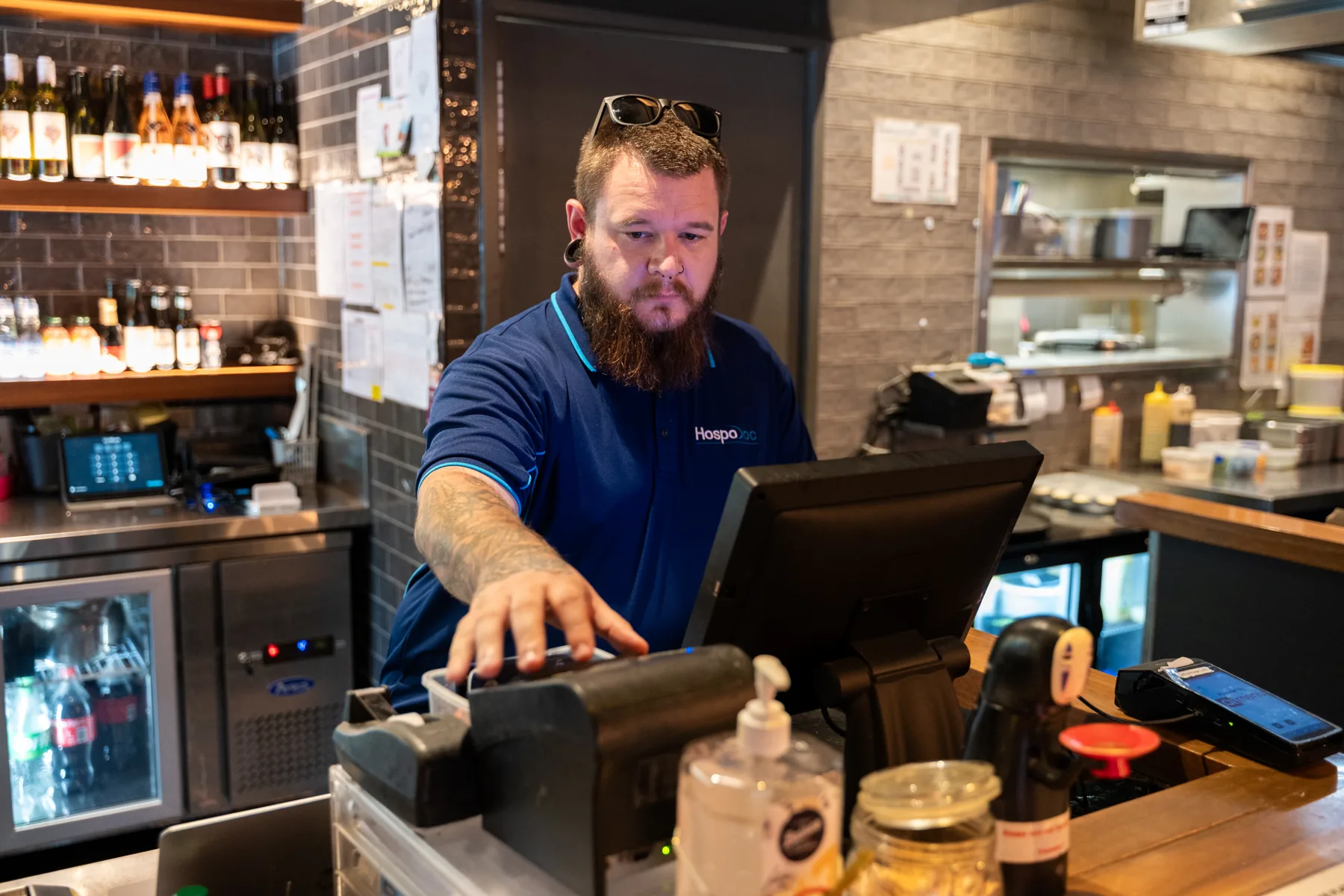
A restaurant needs to work around its kitchen. A construction business needs to consider site access and safety. An office may need to schedule portraits between meetings.
Good planning respects how the business actually operates.
The photographer shouldn't arrive expecting everyone to abandon their normal responsibilities for the day.
Prepare your people
For many businesses, photographing employees is one of the most valuable parts of a content day.
It's also something that benefits enormously from preparation.
Let staff know what the photographs are for and how they'll be used.
If professional portraits are required, provide simple clothing guidance in advance.
For workplace photography, consider which employees are comfortable appearing in marketing material and make sure appropriate permissions are in place.
There's no need to turn everyone into a professional model.
In fact, some of the strongest business photographs come from people doing something familiar.
A designer discussing a project. A technician inspecting equipment. A chef preparing a dish.
These moments can communicate much more than a group of employees standing awkwardly in a line.
That said, even natural-looking photographs need direction.
The photographer still needs to consider lighting, background, composition and what is happening within the frame.
A convincing photograph of someone working isn't necessarily an unplanned photograph.
Photograph the details people normally overlook
Businesses often concentrate on the obvious images.
The building. The team. The main product.
But smaller details can be just as useful.
Hands working with tools. Materials being prepared. Equipment in use. A product being packaged. A meeting in progress.
These photographs help explain the character of a business.
They also provide useful supporting images for website sections, presentations and social media posts.
From a design perspective, they're particularly valuable because they can work alongside headlines, quotations and other graphic elements.
A close-up photograph with a simple background might be more useful for a promotional layout than a complicated wide shot.
That's something worth considering while the camera is still on location.
It's much easier to capture a few alternative compositions during the original session than to discover later that every photograph is unsuitable for the intended design.
Shoot for different formats
One of the most common problems with commercial photography is creating beautiful images without considering where they'll be displayed.
A horizontal photograph might look excellent across a website homepage.
Crop it into a vertical social media format and the most important part of the image could disappear.
The same issue affects video.
A sequence designed for a widescreen presentation may not work particularly well as a vertical Reel.
This doesn't mean every scene needs to be photographed and filmed repeatedly.
It means the required formats should be considered from the beginning.
Sometimes a wider composition provides enough flexibility for several crops.
Other times, capturing a separate vertical version is the better decision.
For a business using Instagram, LinkedIn, its website and paid advertising, this flexibility is valuable.
It allows the same visual identity to work across different platforms without forcing every image into an unsuitable shape.

Video needs its own plan
Adding video to a photography session can be extremely useful, but it's important to be realistic about what can be achieved.
A few short workplace sequences are very different from a fully produced brand film.
If the business needs interviews, spoken presentations or customer testimonials, additional preparation may be necessary.
Audio quality becomes important.
The location needs to be suitable for recording.
People need to know what they're going to say, and enough time must be allowed for several takes.
Short-form video without dialogue can be simpler, but it still benefits from a clear concept.
What is the viewer supposed to understand?
What action or process are we showing?
Where will the video appear?
A short clip showing a product being made might be more useful than thirty seconds of unrelated footage from around the workplace.
The same principle applies to photography.
Purpose comes before volume.
Build a library, not just a collection of files
Once the session is finished, the next challenge is making the material easy to use.
A folder containing hundreds of photographs isn't particularly helpful if nobody knows what's inside.
The final collection should be organised in a way that makes sense to the business.
Images might be grouped by staff, products, services, workplace activities or intended marketing use.
It is also worth agreeing on deliverables before the shoot.
Will you need high-resolution photographs for print?
Optimised images for the website?
Vertical photographs for social media?
Edited video clips, or longer video content that will require additional post-production?
These decisions affect how the session is planned and what happens afterwards.
Professional editing helps maintain consistency across the photographs.
But editing can't solve every problem.
If a photograph was taken without enough space for a website headline, retouching won't magically create the ideal composition.
If an important part of a process wasn't filmed, it can't be added later without another shoot.
That's why planning and production need to work together.
How long will the content actually last?
A month of content doesn't necessarily mean the photographs become useless after thirty days.
Some images have a much longer working life.
Professional portraits, workplace photographs, product images and general brand photography may remain relevant for months or longer, provided they still accurately represent the business.
Other material has a shorter lifespan.
Seasonal promotions, temporary campaigns, events and new product launches may need more frequent updates.
The most useful content library contains a mixture of both.
Evergreen photographs provide a reliable foundation.
New campaign material keeps the business current.
Over time, regular content days can build a substantial visual library without requiring every shoot to start from zero.
A content day should make marketing easier
The purpose of a business content day isn't to produce the largest possible number of photographs.
It's to reduce the amount of time your business spends searching for something suitable to publish.
When the photography is planned properly, your website, social media, advertising and company communications can draw from the same coordinated collection.
The business looks more consistent.
The marketing team has more options.
And instead of organising another last-minute photoshoot whenever something needs updating, you already have useful material available.
That is where the real value lies.
Not in how many times the shutter clicks, but in how much work the photographs and videos can do afterwards.
Business Content Days in Brisbane
I'm Ilya Postnikov, a Brisbane-based commercial photographer with more than 20 years of experience across photography, design and advertising.
Post Studio creates professional photography and video content for businesses throughout Brisbane and South East Queensland.
A Business Content Day can be planned around your people, products, services and marketing requirements, with photography and video coordinated to create a consistent visual library.
Whether you're updating your website, preparing a campaign or building content for the coming months, the starting point is understanding what your business needs to communicate.
Planning a content day for your business?Get in touch to discuss your objectives, location and the photographs and videos you need.